Monitoring AI Crawler Activity with CDN Edge Workflows
Standard analytics tools like GA4 or Mixpanel are blind to AI crawler traffic. Because these platforms rely on client-side JavaScript execution, they fail to record visits from bots that only fetch raw HTML. For a founder managing a GEO (Generative Engine Optimization) strategy, this creates a critical visibility gap. You cannot optimize for systems like ChatGPT, Claude, or Perplexity if you do not know which pages they are crawling, how often they visit, or which content they prioritize for their RAG (Retrieval-Augmented Generation) pipelines.
Olwen solves this by connecting directly to your CDN to track server-side requests. By monitoring AI agent activity at the edge, you can identify crawl patterns, calculate your crawl-to-refer ratio, and deploy technical fixes to the exact pages AI systems are currently indexing.
The AI Crawler Landscape in 2026
AI crawlers are no longer a monolithic category. They are now specialized based on their intent: model training or real-time search retrieval. Understanding the specific user-agent (UA) strings is the first step in building an edge-level monitoring workflow.
Training Crawlers
These bots scrape massive amounts of data to build foundation models. They have high crawl volumes but low immediate referral traffic.
- GPTBot (OpenAI): The primary crawler for training future GPT models. It typically hits a broad range of URLs and respects standard robots.txt directives.
- ClaudeBot (Anthropic): Known for extremely high crawl-to-refer ratios. In early 2026, data shows ClaudeBot may crawl over 20,000 pages for every single referral visit it sends back.
- Google-Extended: Used specifically to train Gemini models. Allowing this bot is separate from allowing the standard Googlebot used for search indexing.
- Applebot-Extended: Feeds the Apple Intelligence ecosystem. It is generally less aggressive but critical for visibility in Siri and macOS-native AI features.
Search and Retrieval Crawlers
These bots perform targeted, real-time crawls to answer specific user queries. They are the primary targets for GEO because they lead directly to citations and traffic.
- OAI-SearchBot: OpenAI’s specialized bot for real-time search within ChatGPT. It prioritizes fresh content and news.
- PerplexityBot: Highly aggressive crawler that powers the Perplexity search engine. It often ignores standard crawl-delay settings to ensure real-time accuracy.
- Claude-SearchBot: Anthropic’s retrieval agent for live web browsing within the Claude interface.
- Bingbot: While a traditional search crawler, it remains the backbone for Microsoft Copilot and many third-party AI tools that license the Bing index.
The Technical Gap: Why Client-Side Tracking Fails
Traditional analytics platforms execute after the page loads in a browser. AI crawlers operate as headless HTTP clients. They request the document, parse the HTML, and move to the next URL without ever triggering a <script> tag.
If your GEO strategy relies on GA4, you are likely underreporting AI interaction by 90% or more. This lack of data leads to several operational failures:
- Wasted Crawl Budget: You may be allowing aggressive training bots to consume server resources on low-value pages (e.g., faceted navigation or archive tags) while high-value product pages remain uncrawled.
- Delayed Fixes: Without knowing when OAI-SearchBot last visited your pricing page, you cannot determine if a recent schema update has been ingested.
- Inaccurate Attribution: Traffic from AI systems often appears as "Direct" or "Referral" from generic domains, masking the true impact of your GEO efforts.
Implementing Edge-Level Tracking
To capture this data, you must move the tracking logic to the CDN edge. Whether you use Cloudflare Workers, Vercel Edge Functions, or Fastly Compute, the workflow remains the same: intercept the request, check the user-agent, and stream the metadata to a logging endpoint.
Step 1: Edge Function Logic
Deploy a lightweight function that executes on every incoming request. The function should extract the following fields:
User-AgentstringRequest Path(URL)HTTP Status Code(to monitor crawl errors)IP Address(for bot verification)Timestamp
// Conceptual Edge Function for AI Tracking
export default {
  async fetch(request, env) {
    const ua = request.headers.get('user-agent') || '';
    const aiBots = ['GPTBot', 'OAI-SearchBot', 'ClaudeBot', 'PerplexityBot', 'Google-Extended'];

    if (aiBots.some(bot => ua.includes(bot))) {
      // Stream log to Olwen or your logging provider
      await logToOlwen({
        bot: ua,
        path: new URL(request.url).pathname,
        status: 200
      });
    }

    return fetch(request);
  }
};
Step 2: Log Streaming and Aggregation
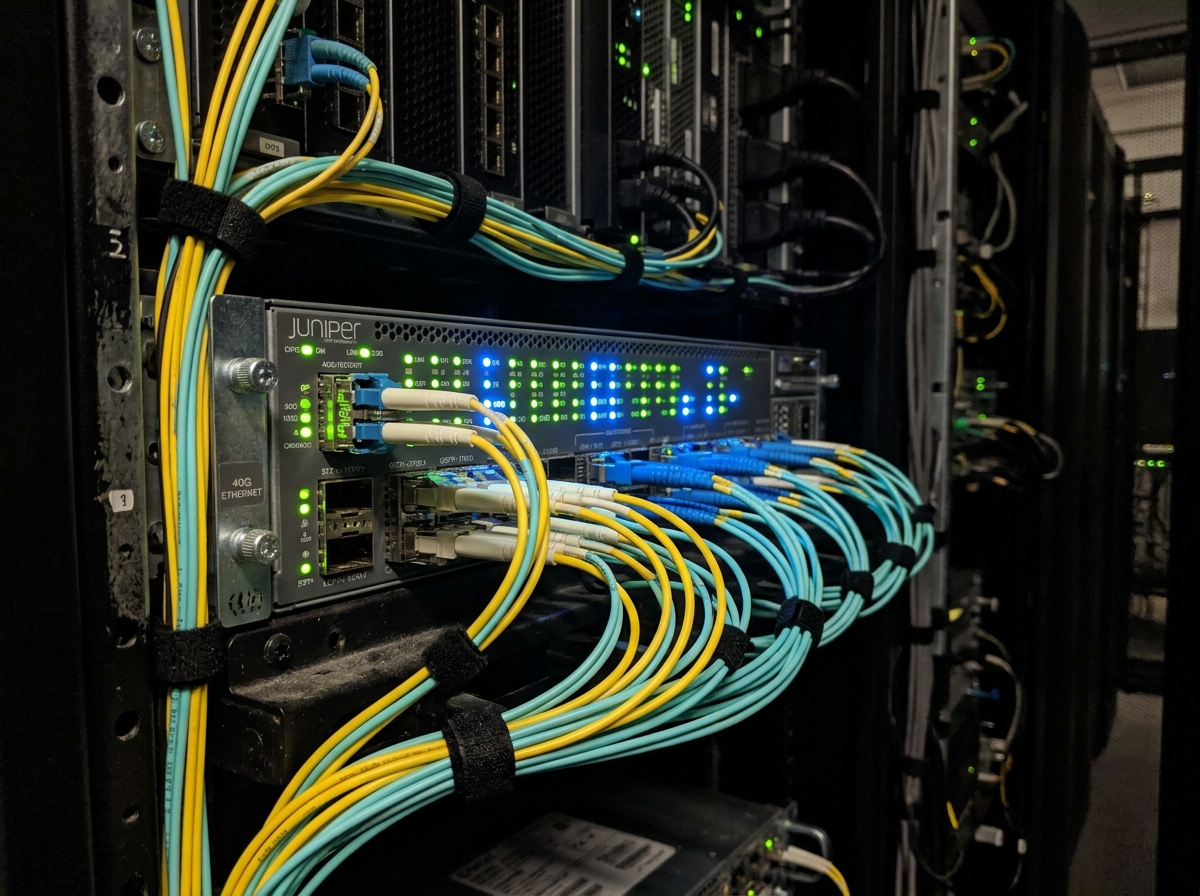
Raw logs are useless without aggregation. Olwen connects to your CDN’s log streaming service (e.g., Cloudflare Logpush) to ingest these hits in real-time. This allows the platform to build a dashboard of AI crawler activity that maps directly to your site structure.
Connecting Olwen to the CDN Workflow
Once the data is flowing, Olwen categorizes the hits. The platform distinguishes between "Discovery Crawls" (bots finding new pages) and "Refresh Crawls" (bots updating existing knowledge).
Monitor Path Hits
Olwen identifies which specific URLs are being targeted by which bots. If you see a surge in OAI-SearchBot hits on your documentation pages but zero hits on your new product launch page, you have a discovery problem. You can then use Olwen to generate an updated sitemap.xml or trigger a manual re-index request through supported AI APIs.
Analyze Crawl Frequency
Frequency indicates how "important" an AI system considers a page. High-frequency paths should be the first candidates for advanced structured data. Olwen tracks the interval between visits, allowing you to time your content updates. If PerplexityBot visits every 4 hours, publishing a price change 10 minutes after a visit means a 3-hour and 50-minute window of stale data in AI answers.
Analyzing the Crawl-to-Refer Ratio
One of the most important metrics Olwen provides is the Crawl-to-Refer ratio. This is calculated by dividing the number of bot hits by the number of actual referral visits from the parent platform (e.g., hits from GPTBot vs. visits from chatgpt.com).
| Crawler | Avg. Crawl-to-Refer Ratio (2026) | Strategic Action |
|---|---|---|
| PerplexityBot | 45:1 | High value. Prioritize for real-time FAQ updates. |
| OAI-SearchBot | 120:1 | Critical for ChatGPT citations. Ensure clean HTML. |
| GPTBot | 1,200:1 | Training focus. Limit crawl to high-authority pages. |
| ClaudeBot | 20,000+:1 | Resource heavy. Consider rate-limiting non-essential paths. |
If a bot has a high ratio but provides zero referrals, it is likely a training bot. You may choose to block these bots on low-value pages to save bandwidth and server costs, a process Olwen automates via CDN rule generation.
Turning Logs into GEO Fixes
Monitoring is only the first half of the workflow. The second half is using that data to improve visibility. Olwen uses the crawl data to prioritize website fixes.
Generate FAQ Sections and Website Fixes
When Olwen detects that an AI bot is repeatedly hitting a page but failing to find clear answers (often indicated by the bot then hitting related search terms on your site), it suggests adding an FAQ section. These FAQs are generated using Olwen’s AI-optimized writing engine, specifically designed to be easily parsed by RAG systems.
Improve Metadata and Structured Data
For pages with high AI crawler activity, Olwen generates specific schema markup. This includes:
- Product Schema: Ensuring prices, availability, and specs are in a machine-readable format.
- Organization Schema: Defining your brand entity clearly so AI systems don't hallucinate your founding date or headquarters.
- FAQPage Schema: Making it trivial for bots to extract direct answers for featured snippets in AI search.
Automating the Feedback Loop
To maintain GEO visibility without adding a full-time workflow, Olwen connects your repository (GitHub/GitLab) and your CMS (Contentful, Sanity, WordPress).
- Monitor: Olwen detects a crawl spike on a specific category page.
- Generate: Olwen identifies missing metadata and generates a fix.
- Publish: Olwen opens a PR in your repo or pushes a draft to your CMS with the updated schema and content.
- Verify: The CDN workflow confirms the bot has returned and successfully crawled the new data.
This automated loop ensures your site stays optimized as AI crawler behaviors shift. You no longer need to manually check logs or guess which pages need attention.
Tracking AI Crawler Visits via Connected CDN Workflows
Beyond simple logging, Olwen allows you to implement active crawler management. By using the data from your CDN, you can set up automated triggers:
- Dynamic Rate Limiting: If a training bot like
ClaudeBotexceeds a specific request threshold, Olwen can update your CDN WAF rules to throttle the bot, preserving your crawl budget forOAI-SearchBotorGooglebot. - Crawl Budget Reallocation: Direct bots away from
/archive/or/tags/and toward/products/or/solutions/by dynamically returning403or429status codes to specific AI agents while allowing human users and search engines through. - Verification: Olwen cross-references IP addresses against known AI bot ranges to prevent "spoofing," where malicious scrapers pretend to be
GPTBotto bypass security filters.
Aligning Publishing Schedules with Crawler Patterns
Data from your CDN logs will reveal the "heartbeat" of different AI systems. Most bots follow a predictable schedule based on your site's update frequency.
- High-Velocity Paths: If your blog is crawled every Tuesday morning by
OAI-SearchBot, schedule your most important updates for Monday evening. - Low-Velocity Paths: For static pages that are only crawled once a month, use Olwen to trigger a manual "ping" to the AI services whenever you make a significant change.
By aligning your publishing schedule with these patterns, you reduce the time your brand's information remains stale in AI models. This ensures that when a user asks a question about your product, the AI is providing the most current data available.

Connect your CDN to Olwen to begin tracking AI crawler hits. Use the resulting path data to identify which pages require immediate schema updates and FAQ generation. Map your repo and CMS to Olwen to automate the deployment of these fixes as crawler patterns evolve.